
In AI video creation, which is growing fast, the choices are overwhelming.
Today’s AI video generators don’t just test ideas or create short clips. They produce cinematic, ready-to-publish videos in minutes.
Sounds exciting, right?
But here’s the challenge: Too many tools. Too many promises. Too much confusion.
In the midst of too many AI video generators on the market today, some prioritize short content. Some offer realistic visuals. Others strive for movie-quality results but find them difficult to use.
So, which one is actually worth your time and money?
In this guide, we compare Vidatia with top AI video platforms like BasedLabs, Synthesia, and CapCut, focusing on features, quality, ease of use, and real results.
If you want a smart, confident choice, this comparison will point you in the right direction.
What Are AI Video Generators & Why They Matter
The growth of AI video generators has been dramatic. What once felt experimental has now become powerful, practical, and professional.
A few years ago, AI videos often looked artificial, that gap will be gone. Today, AI-made videos can look just like studio-shot content, sometimes even better.
Here’s what changed:
Key advancements shaping AI video generators
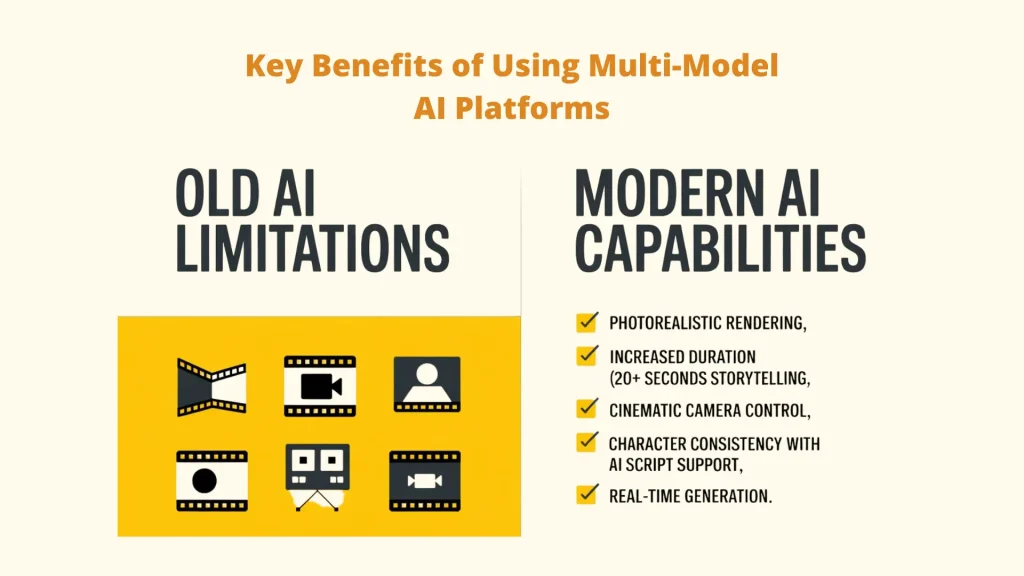
> Photorealistic rendering: Characters, backgrounds, and lighting now look natural and lifelike, making AI video maker tools hard to tell apart from real footage.
> Increased duration: AI videos have moved beyond 5-second clips. Many AI video maker tools now create 20+ second scenes with smooth flow and clear storytelling.
> Cinematic camera control: AI now understands professional cinematography, enabling dolly shots, crane pans, and dynamic zooms.
> Character consistency: AI keeps the same character look, clothing, and lighting across scenes. Tools like Vidatia also support multiple formats and AI-based script creation.
> Real-time generation: Rendering that once took hours now happens in seconds, enabling near-instant creative iteration.
AI video generators are no longer one-size-fits-all. They generally fall into three buckets:
🎯 Repurposing Tools: Turning 2-hour webinars into 15-second viral clips.
🎯 Text-to-Video Generators: Creating entire scenes from a single sentence.
🎯 Hybrid Solutions: Combining AI avatars, stock footage, and generative backgrounds.
🔥 And the Current Market Trends
– Short-form videos (5–10 seconds) dominate TikTok and Shorts
– Faceless video channels have grown by 340% year over year
– Multi-format AI combining text, images, audio, and motion
– Automation-first workflows: script → scene → final video in minutes
How to Choose the Right AI Video Generators: What Really Matters
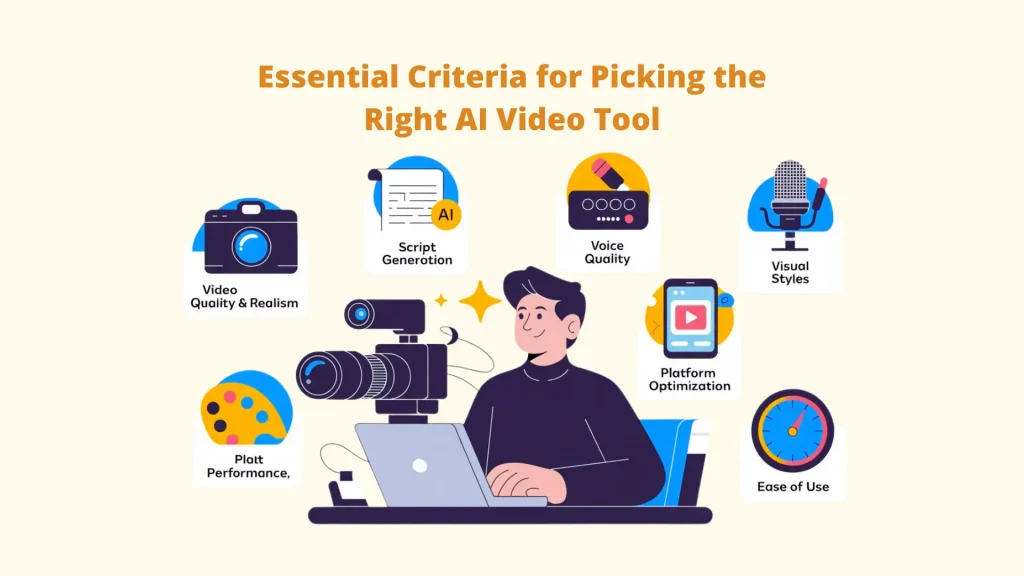
1. Video Quality and Realism
You are aware that when creating an AI video, we always consider whether it looks professional and realistic. ” Smooth motion, natural scenes, and believable characters are the ‘key.’ A good AI video should feel natural, not robotic or stiff.”
2. Script Generation Capabilities
A great video starts with a strong script, and the best AI video generators can write scripts for you in one click. Even better if you can adjust the tone, length, and style. Poor scripts lead to poor videos, while smart AI support like Vidatia multi-AI script generation makes everything easier and faster.
3. Voice Quality and Options
Audio matters as much as visuals. Look for natural-sounding AI voices with emotion, clear pronunciation, different accents, and multiple languages. Advanced tools even offer voice cloning for a more personal touch.
4. Visual Style Variety
Can you create in multiple styles (realistic, animated, 3D, cartoon, and anime)? Versatility allows you to serve different audiences and niches.
5. Platform Optimization
Each platform has its own format. Videos should be automatically resized for TikTok (9:16), YouTube (16:9), and Instagram (1:1) by the appropriate AI video maker tools. This keeps your content platform-ready while saving hours of manual labor.
6. Desktop vs Browser-Based Performance
Desktop applications typically render faster and work offline, but require installation. Browser tools offer accessibility but depend on internet speed and often face rendering queues.
7. Learning Curve and User Interface
Powerful tools should not feel complicated. A platform that is difficult to learn slows you down. The best AI video generators strike a balance between advanced features and a simple, straightforward user interface.
The 8 AI Video Generators Compared
1. Vidatia – The All-in-One Desktop Powerhouse
Quick Overview
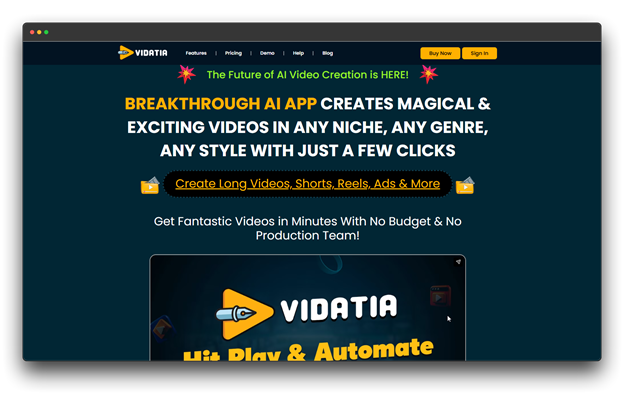
Vidatia is a desktop AI video generator for Windows and Mac that includes 15 creative tools for all aspects of video production, from export-ready content to script development.
Videos can run offline and render more quickly because it runs locally. It has 15-in-1 tools that cover everything from export-ready films to script ideas.
Core Features
👉 One-click full video creation from a single prompt
👉 AI script writing with tone, style, and length control
👉 Voice cloning via ElevenLabs integration
👉 Multi-AI support using GPT, Claude, and Gemini
👉 Faceless video creation with professional narration
Best For
Solo creators, agencies, and businesses creating content at scale who want full control, fast output, and no heavy tool stack.
Pricing
💰 $47/month with a self-business license and yearly upgrades.
2. BasedLabs – Creative AI Studio
Quick Overview
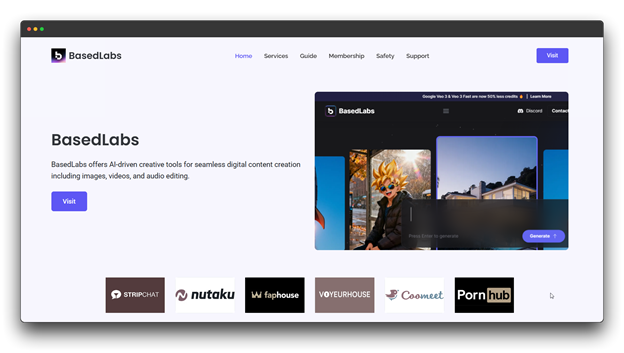
For creators who enjoy visual storytelling, BasedLabs is an AI video maker tool with an artistic focus. It integrates editing tools, image creation, and video production into a seamless workspace.
Artists, designers, and experimental creators who desire the freedom to experiment with daring concepts are the target audience for this platform.
Core Features
👉 Text-to-video and image-to-video creation
👉 Multiple visual styles, from realistic to abstract
👉 Built-in image editing tools
👉 Community templates for quick starting points
👉 Fast rendering for rapid testing
Best For
Artists, designers, and independent creators who prioritize creativity over bulk content production.
Pricing
💰 $50/month for professional use (crypto payment required)
3. Synthesia
Quick Overview
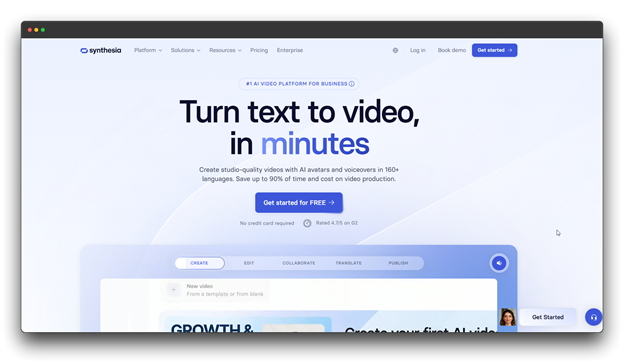
The top AI avatar platform for corporate communications, training videos, and professional presentations is Synthesia, which eliminates the need for filming while preserving a polished, brand-consistent appearance.
Core Features
👉 Ready-made templates for training and demos
👉 Screen recording with avatar overlays
👉 Brand kits for consistent design
👉 Team collaboration tools
👉 Custom-branded avatars
Best For
Corporate training, HR teams, e-learning providers, and businesses are creating scalable educational videos.
Pricing: 💰 $51.22/month with AI dubbing and API access
4. CapCut AI – The Social Media Native
Quick Overview
CapCut, owned by ByteDance (TikTok’s parent company), is a mobile-first editing platform with powerful AI features optimized for viral social content.
It provides “AI templates” to make creation easier. These are pre-built video structures that you can use. They make it easy to create content quickly. You can customize these templates for your own topics.
Core Features
👉 Auto-generated captions
👉 AI background removal
👉 Trending filters, effects, and templates
👉 Access to popular TikTok music
Best For
TikTok and Instagram creators who need quick, trend-ready videos on mobile.
Pricing : Custom Pricing
5. Kling AI – The Realism Specialist
Quick Overview
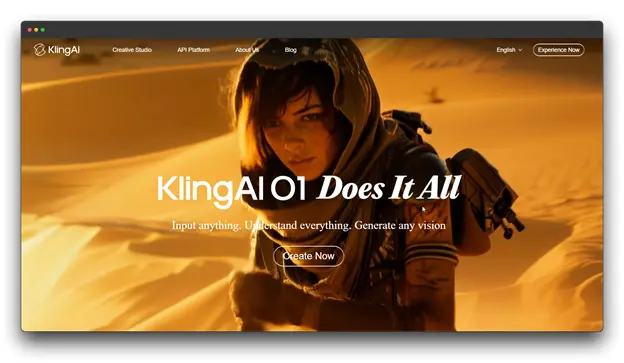
As an AI video generator, Kling AI focuses solely on photorealistic video generation with superior texture, lighting, and cinematic quality, resulting in movie-style visuals that compete with traditional cinematography.
Core Features
👉 Photorealistic video quality with detailed textures
👉 Cinematic camera movement and depth effects
👉 1080p high-definition output
👉 Text-to-video generation from prompts
Best For: Filmmakers, creative studios, and marketing teams focused on visual realism.
Pricing: 💰 Trial available | $97.99/month (unused credits do not roll over)
6. InVideo AI – The Script-to-Video Automator
Quick Overview
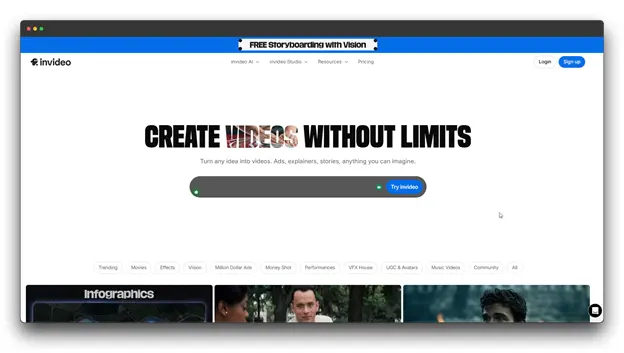
With little effort, InVideo AI, a clever AI video generators, can transform text into complete videos. The platform selects images, adds voiceovers, music, and captions, and takes care of the rest after you give it a prompt. It operates online and prioritizes automation and speed over human editing.
Core Features
👉 Create videos from text prompts
👉 Auto-match stock footage to scripts
👉 AI-generated scripts from ideas or articles
👉 Natural AI voiceovers in multiple languages
Best For
Marketers, educators, and businesses are creating high-volume informational or repurposed videos.
Pricing: 💰 $60/month with unlimited exports and express clones
7. EaseMate AI – The Beginner-Friendly Generator
Quick Overview
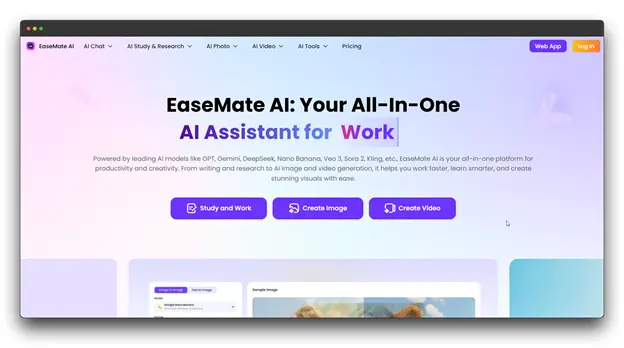
EaseMate AI is a good-to-go AI video generator designed for those with no video editing experience. It focuses on simplicity and speed, allowing anyone to quickly create videos without having to learn complex tools or workflows.
Core Features
👉 Easy, step-by-step interface
👉 One-click video templates
👉 Automatic script, visuals, and voiceover creation
👉 Optimized for TikTok and Instagram
👉 Fast rendering and sharing
Best For
Beginners, small businesses, and casual creators who want quick, no-hassle videos.
Pricing: $24.90/month with monthly credits for videos and images
8. Steve AI – The Business Video Builder
Overview
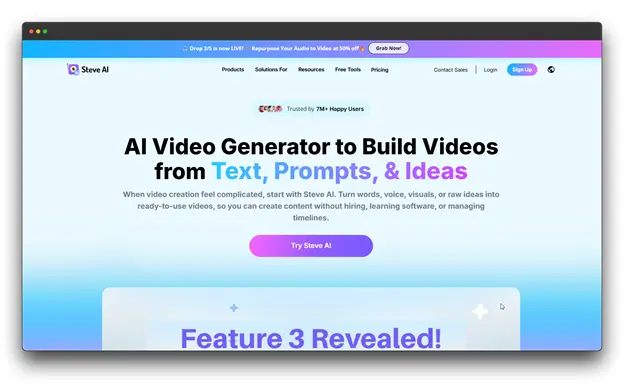
For business purposes, Steve AI is a useful AI video generators. Using pre-made templates and straightforward workflows designed for professional use, it assists teams in producing explainer films, presentations, and marketing content.
Core Features
👉 Image-to-video animation & Text-to-video creation
👉 Smooth, natural motion
👉 Cinematic camera effects
👉 High-quality video output
Best For
Marketers, photographers, and social media creators want to bring images to life and reuse visual assets as engaging videos.
Pricing: 💰 $37.66 per month, which includes high-resolution videos without the Steve AI watermark.
How to Choose: Which AI Video Generators Should You Use?
🎥 The YouTube Automator – Choose Vidatia or InVideo AI
If you’re building a YouTube channel, especially for faceless, educational, or long-form content, focus on tools that support script generation, voice variety, and batch production.
- Vidatia: A desktop powerhouse offering offline editing, multiple visual styles, and a one-time payment model.
- InVideo AI: A fast, browser-based solution ideal for repurposing blogs or scripts into videos with quick turnaround.
🎬 The Indie Filmmaker – Choose Sora or Kling AI
For creators prioritizing cinematic quality and creative control, choose tools built for realism and storytelling.
- OpenAI Sora: Excels in narrative depth and natural motion for complex, prompt-driven sequences.
- Kling AI: Offers stunning movie-style visuals and photorealism at a more accessible price point for shorter clips.
📱 The Social Media Agency – Choose CapCut AI or Vidatia
Agencies handling multiple clients need speed, platform optimization, and scalable output.
- CapCut AI: Perfect for viral short-form videos with direct TikTok publishing and trending templates.
- Vidatia: A full-scale desktop tool supporting cross-platform production, ideal for agencies using reseller or white-label licenses.
Conclusion: Understanding the Right AI Video Maker Tools for Your Needs
The field of AI video generators is expanding quickly.
The area will be busier and more powerful than ever in the upcoming year. The production of videos is evolving due to new features, improved visuals, and quicker workflows.
What works for one person may not work for another. While options like Kling AI and Sora elevate cinematic quality, the right AI video maker tool, like Vidatia, offers all-in-one flexibility.
Your goals and workflow will determine which AI video generator is best for you.
👉 For speed and scale, choose Vidatia or InVideo AI
🎬 For cinematic realism, explore Kling AI or Sora
📱 For social media growth, pair CapCut with an all-in-one tool like Vidatia
💡 Quick Tip: Don’t rely on reviews alone. Test two or three tools yourself. You’ll quickly discover which one fits your creative style and production needs best.
Choose smart, experiment often, and let AI do the heavy lifting.
FAQs About Vidatia vs Other AI Video Generators
Q: Is Vidatia better than browser-based tools like InVideo?
A: Vidatia is a desktop application, which often allows for faster rendering and more stable multi-AI model switching compared to browser-based tools that rely on internet speed.
Q: Is it possible to use videos created by AI for profit?
A: Yes, most paid tiers of these tools (especially Vidatia, Synthesia, and Sora) include commercial usage rights, but always check the specific terms of your license.
Q: Do I need a powerful computer to run Vidatia?
A: While it is a desktop app, much of the heavy lifting is still done in the cloud via API, but a modern PC/Mac helps with smooth editing.
Q: What’s the difference between desktop and browser-based tools?
A: Desktop applications (like Vidatia) offer faster rendering, offline functionality, and no waiting queues, but require installation. Browser tools provide universal access and no downloads, but depend on internet speed and often face rendering queues during peak times.